AI kitchen design
See your kitchen remodeled before you spend a dollar.
Upload a photo of your kitchen and explore cabinet colors, countertops, and full redesigns in 18 styles, from the same angle, in about 30 seconds.
First design free · No credit card · Cancel anytime
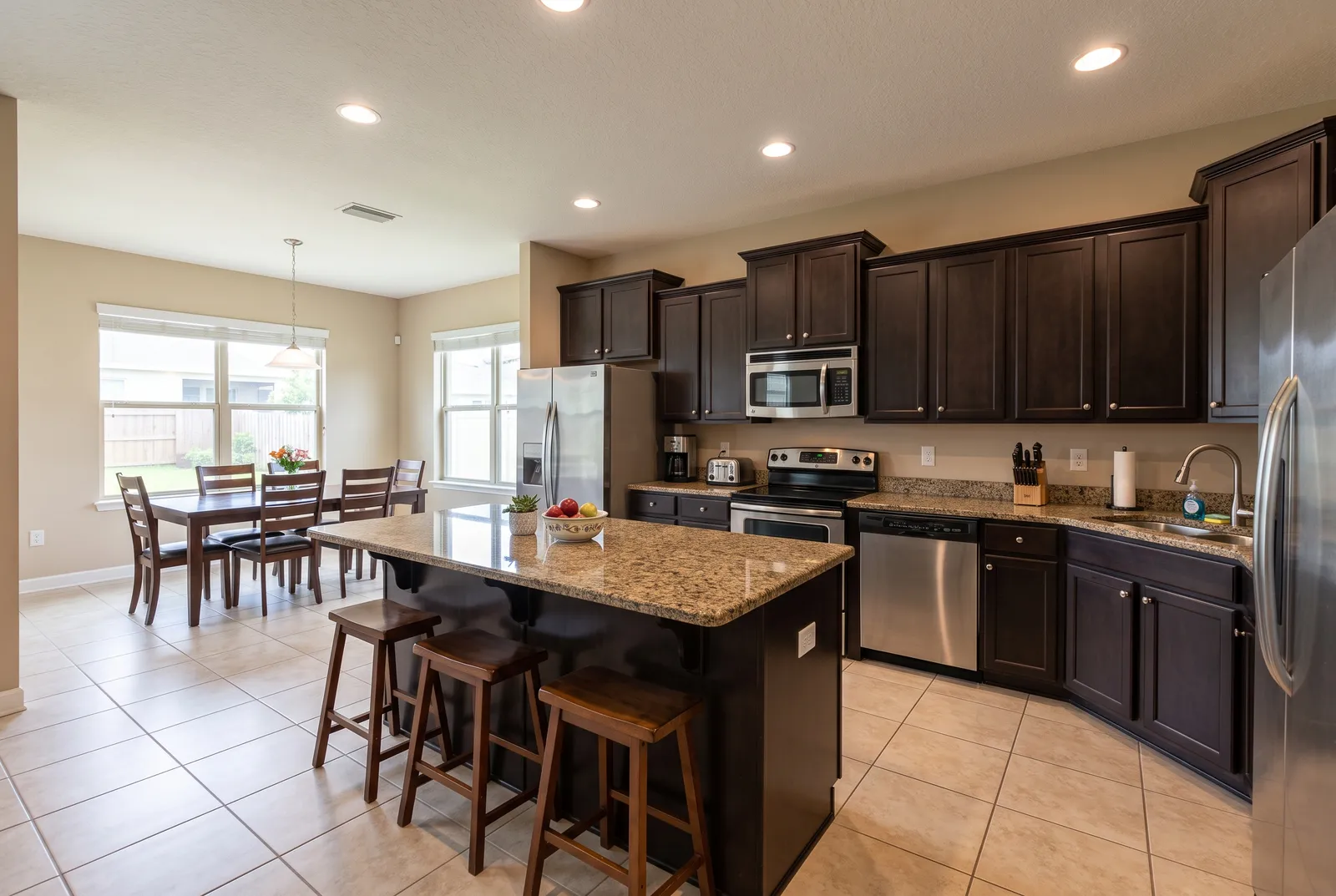
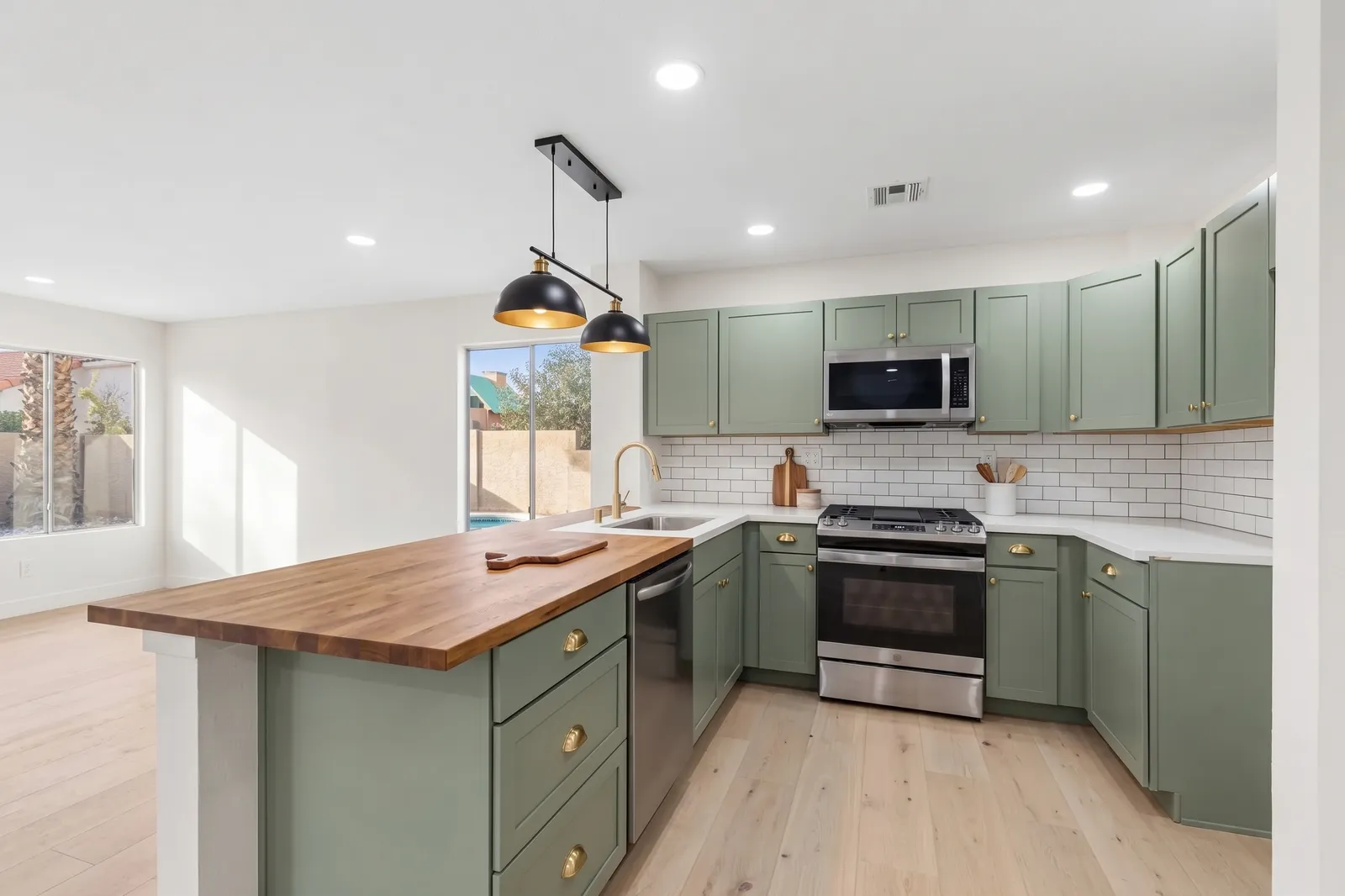
One kitchen, three budgets
Decide how far to go.
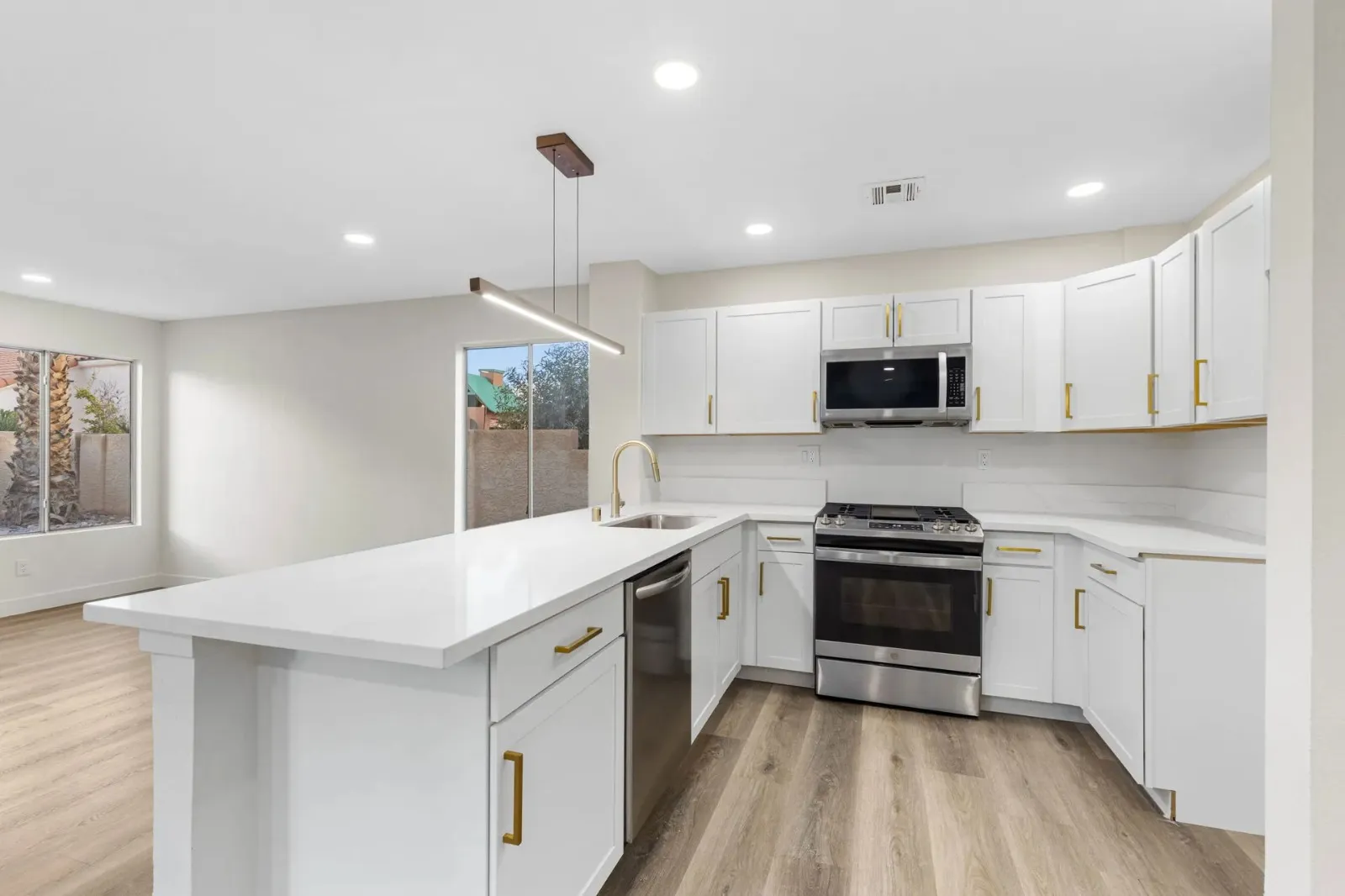
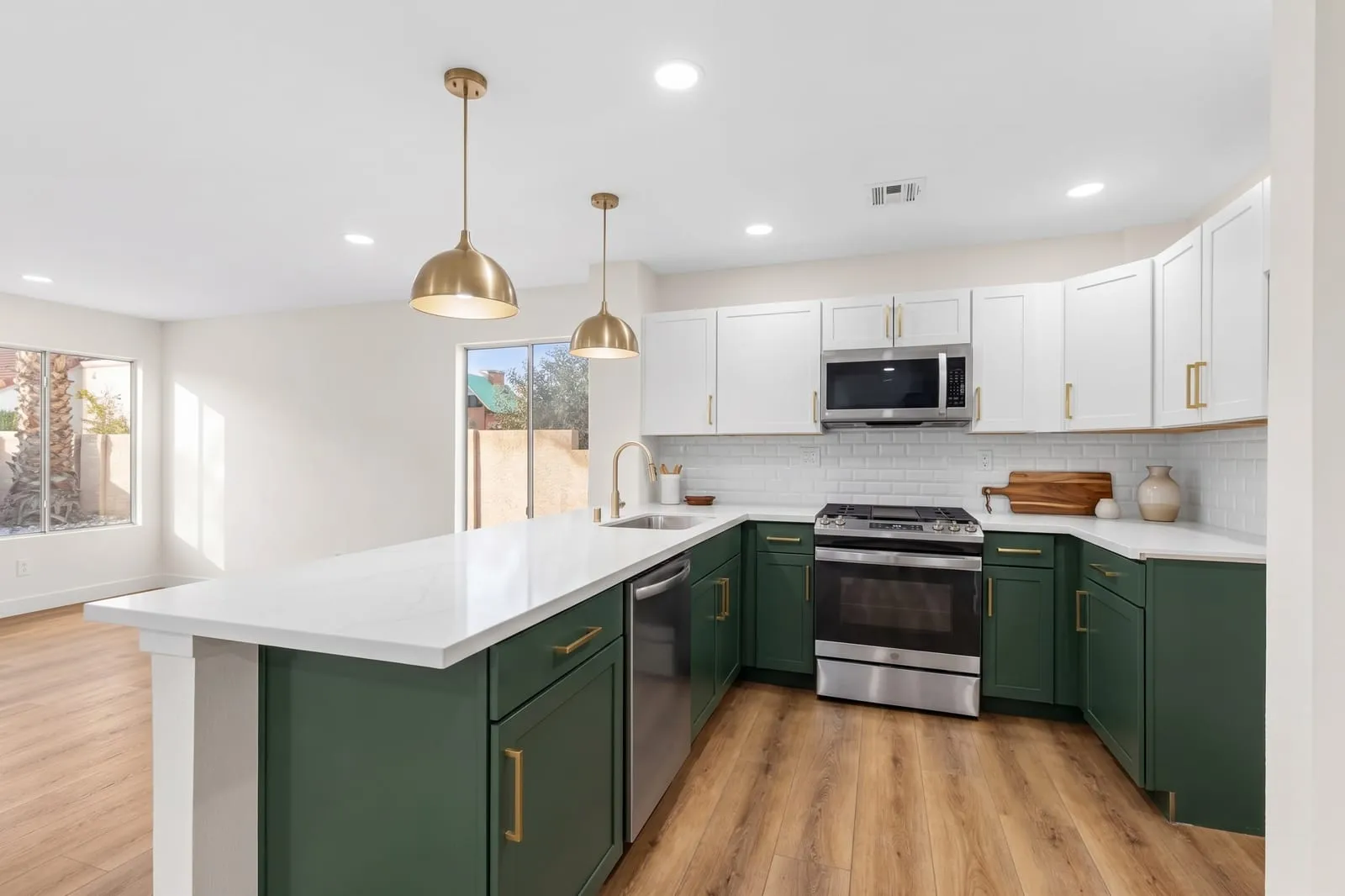
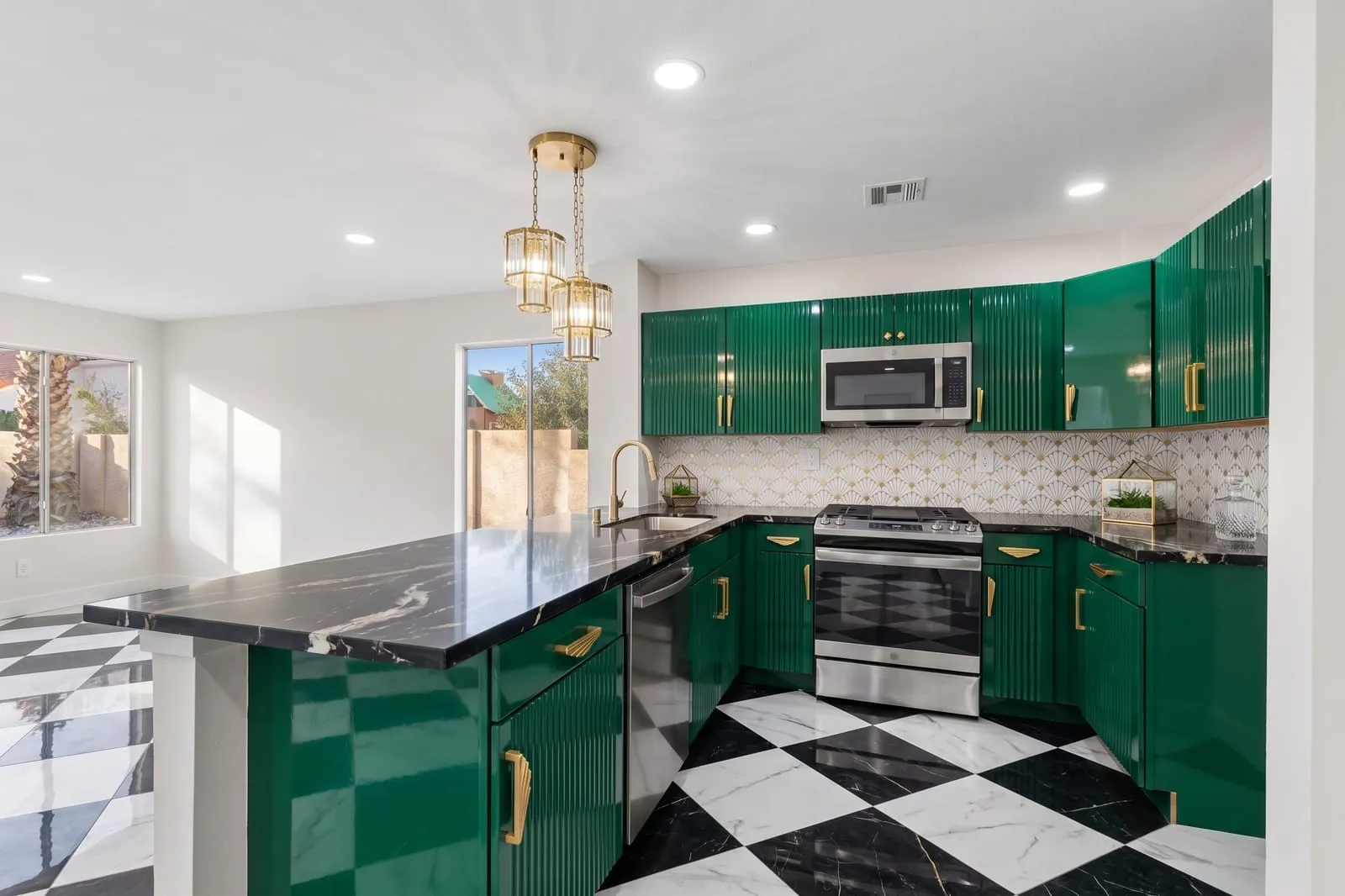
Remodel
New cabinets, appliances and finishes in the same layout.
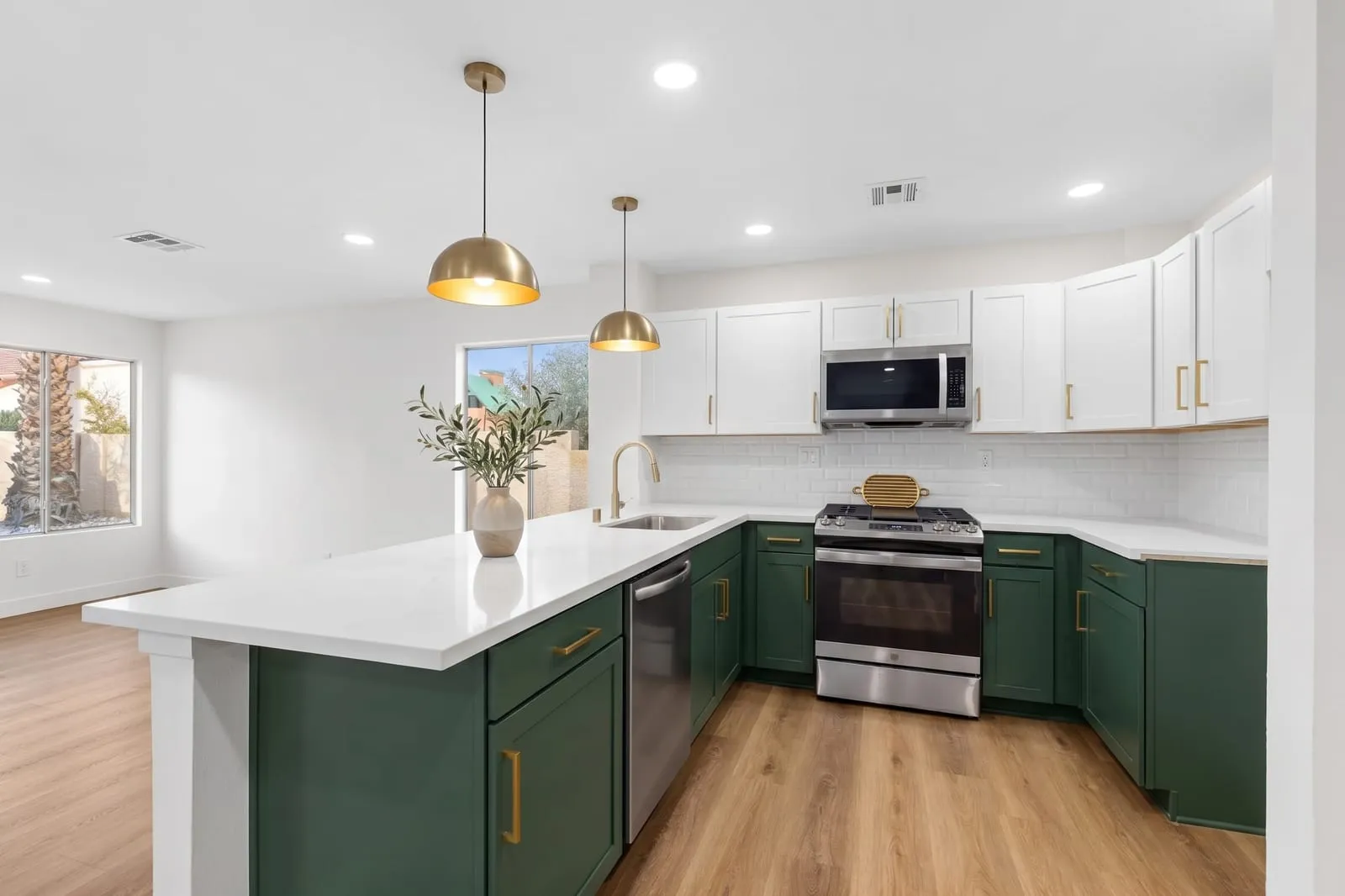
- Refresh: New paint, counters, backsplash and hardware. Same cabinets and layout.
- Remodel: New cabinets, appliances and finishes in the same layout.
- Redesign: Full transformation inside the same walls, windows and doors.
18 kitchen styles
From quiet Japandi to bold Art Deco.
Each style knows its cabinets, counters, backsplash, and hardware. Or skip the presets and describe your own.
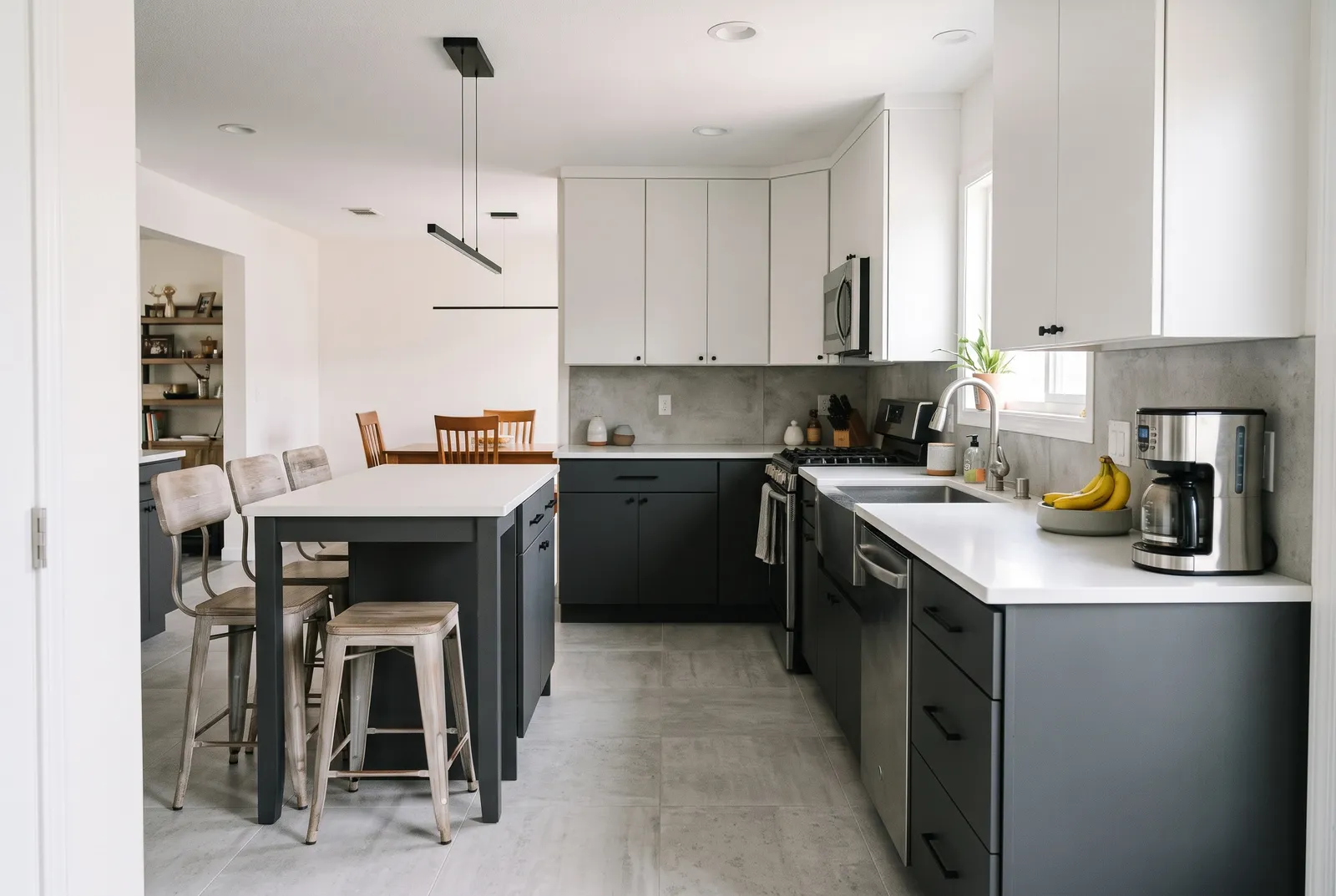
Modern
Flat slab, matte, sleek
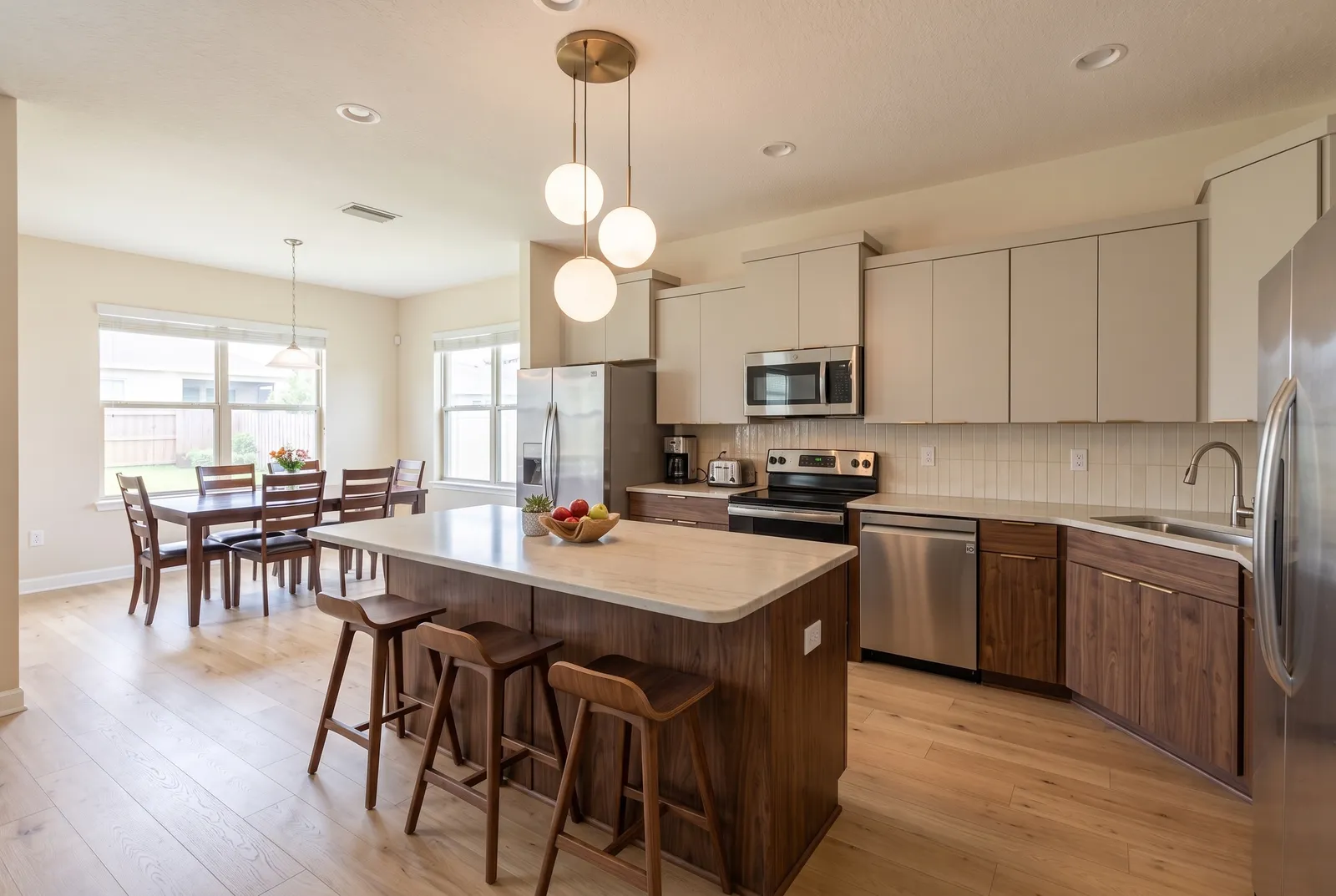
Contemporary
Warm wood, soft curves
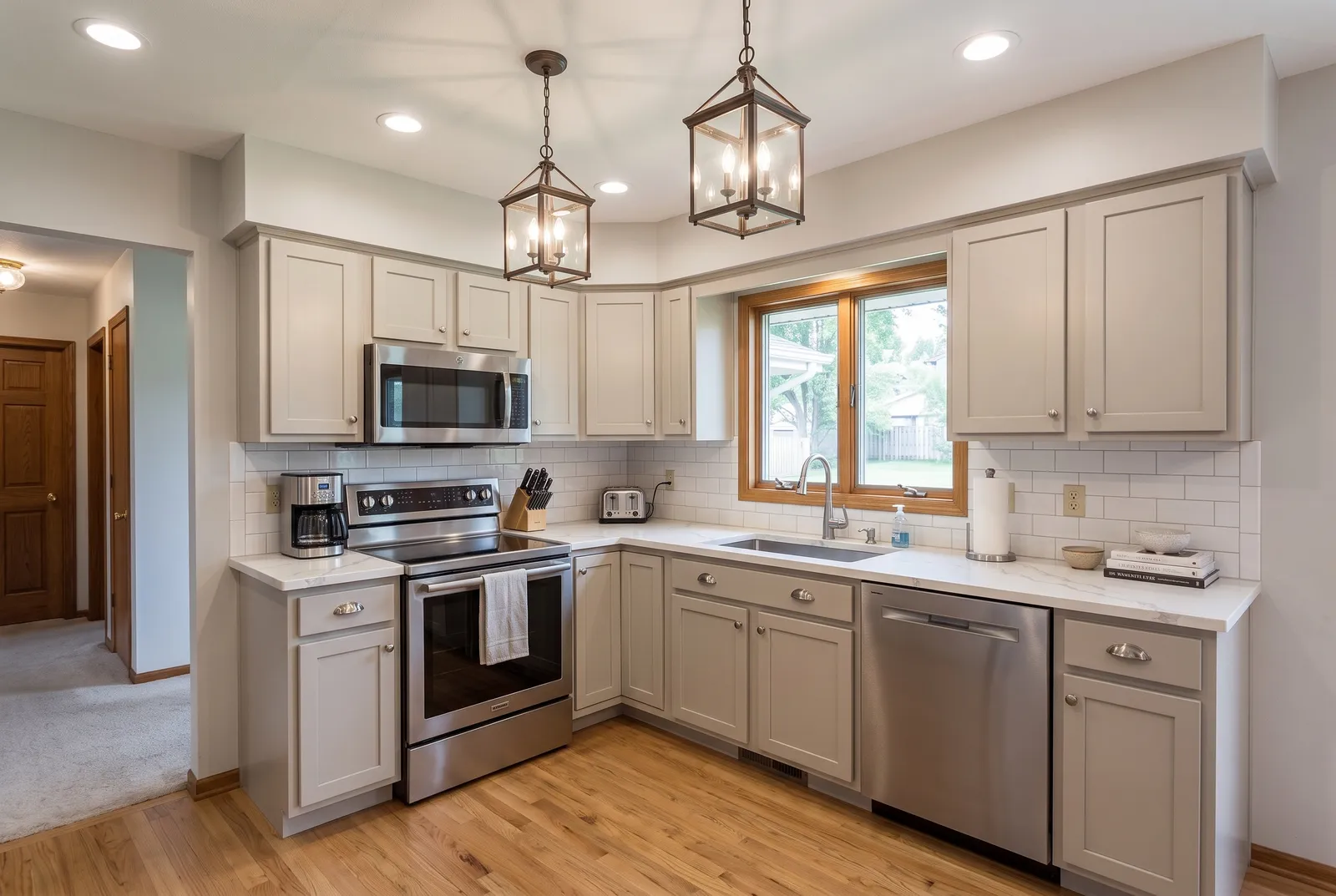
Transitional
Greige, timeless
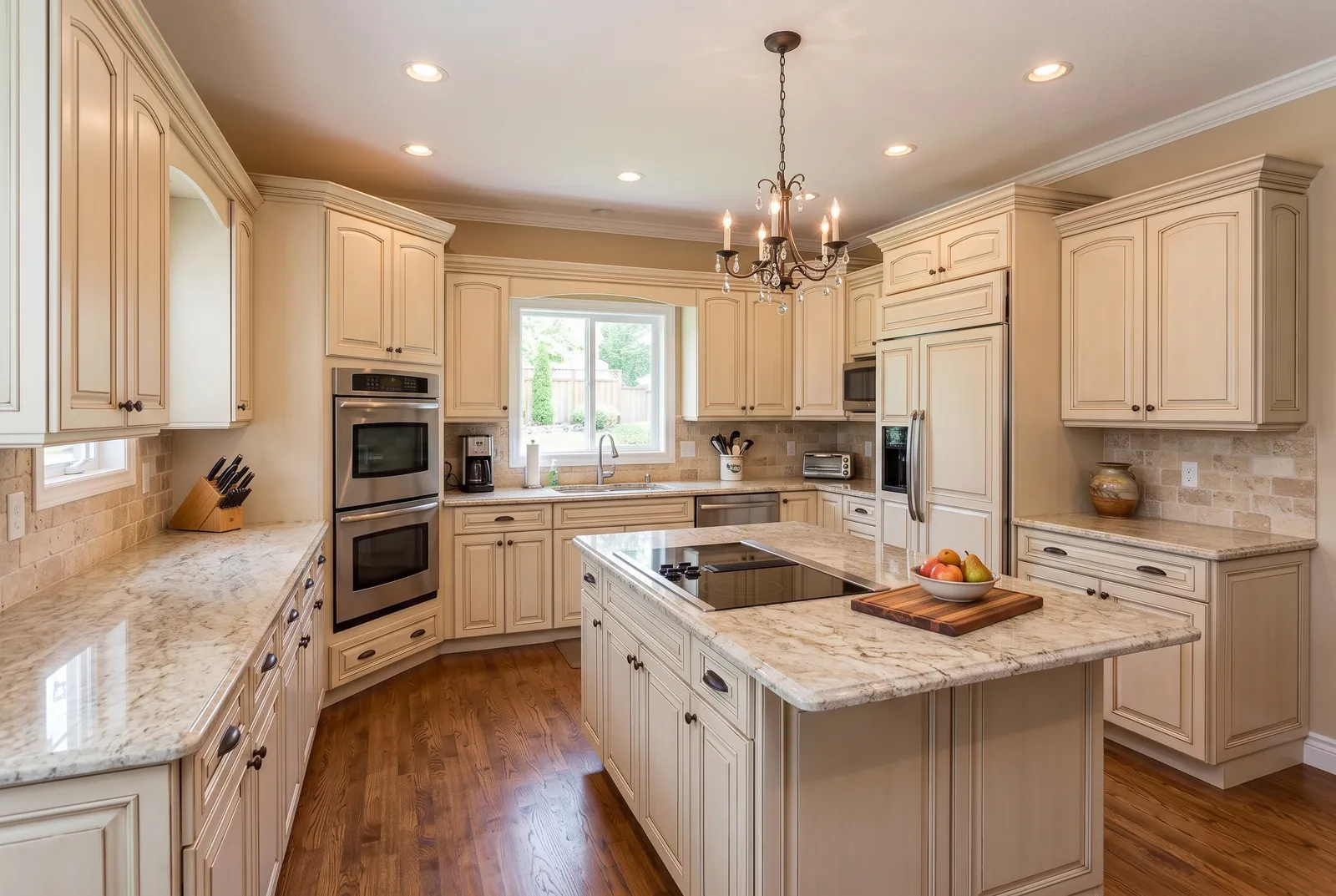
Traditional
Raised panel, crown molding
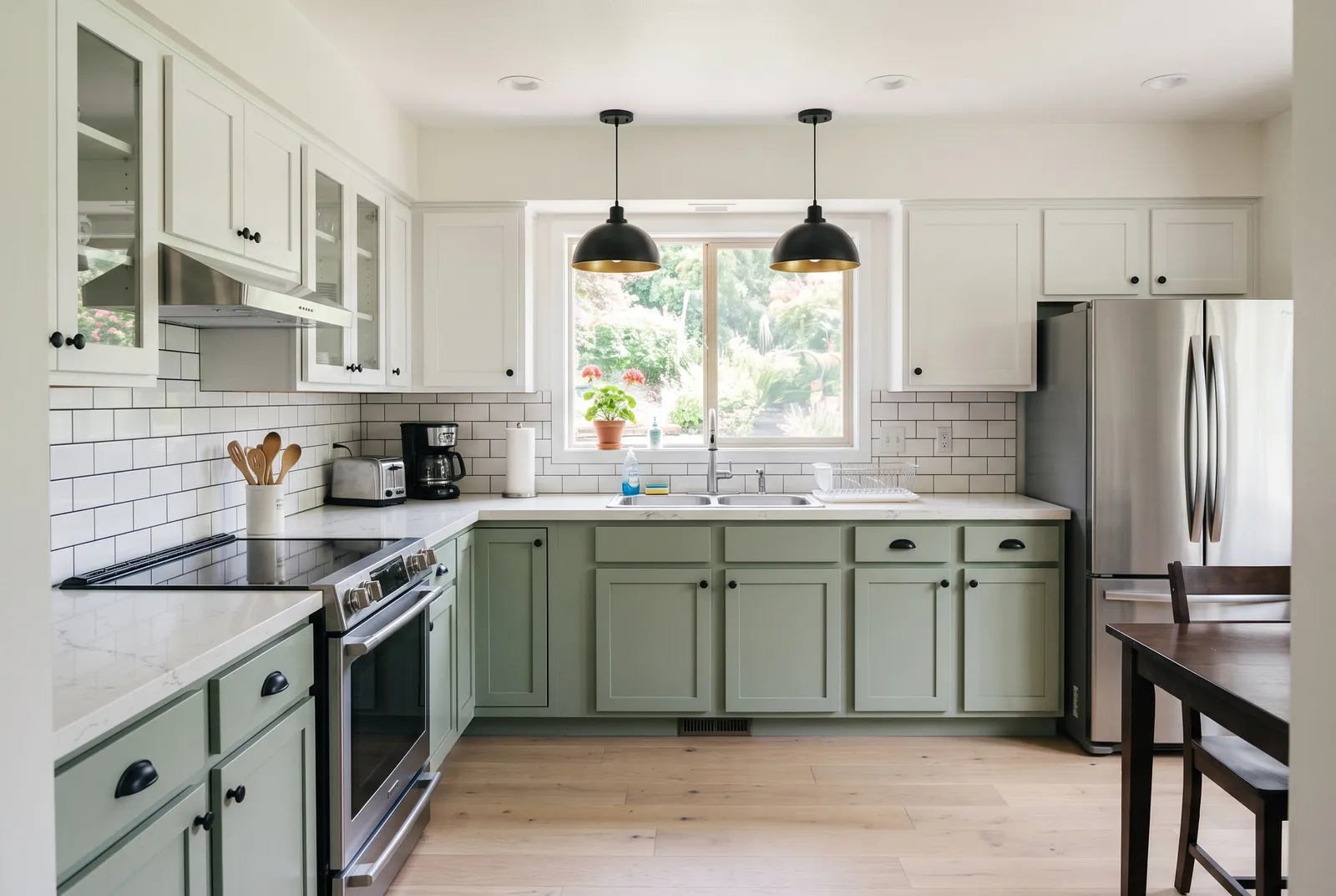
Farmhouse
Shaker, apron sink
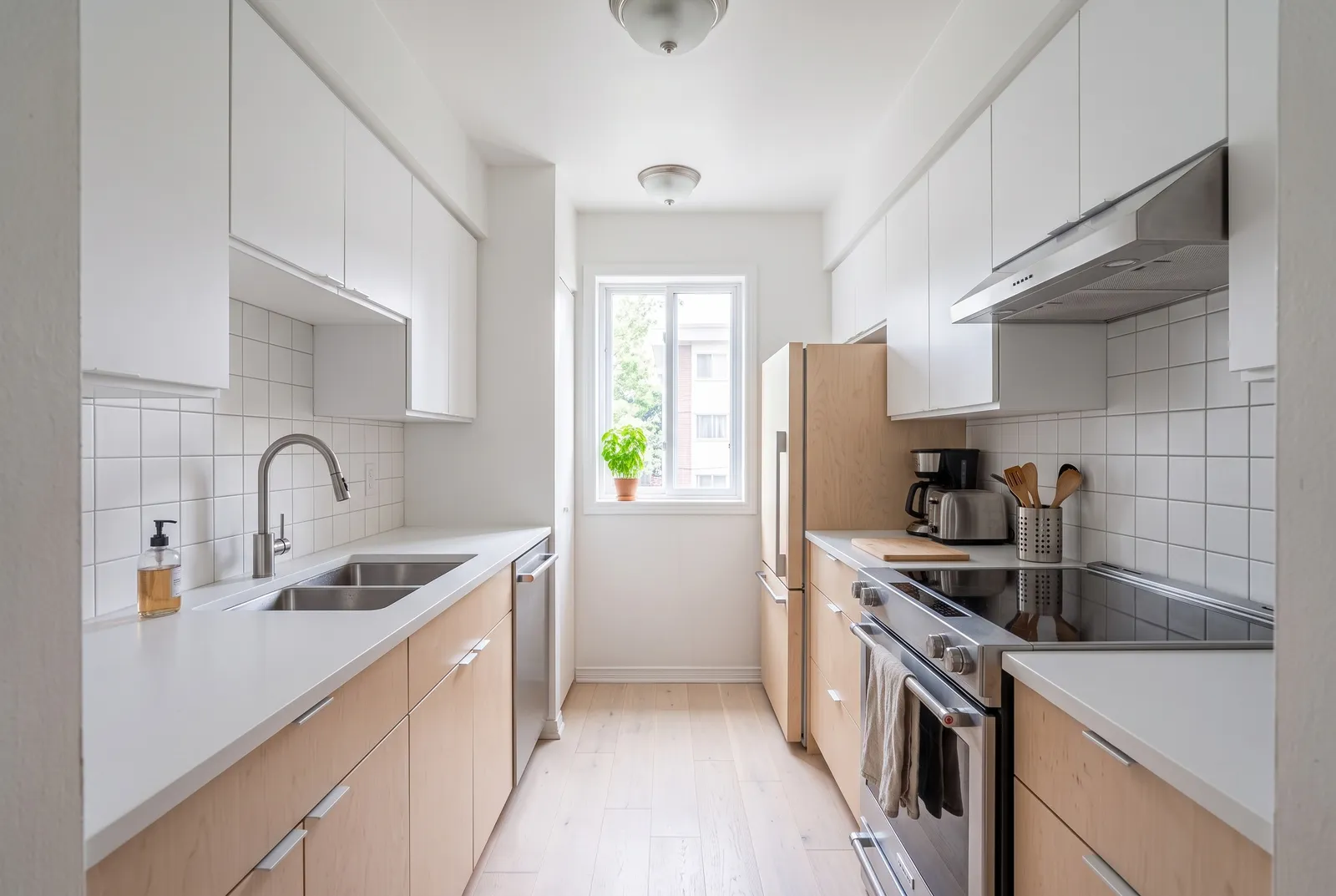
Scandinavian
Pale oak, airy
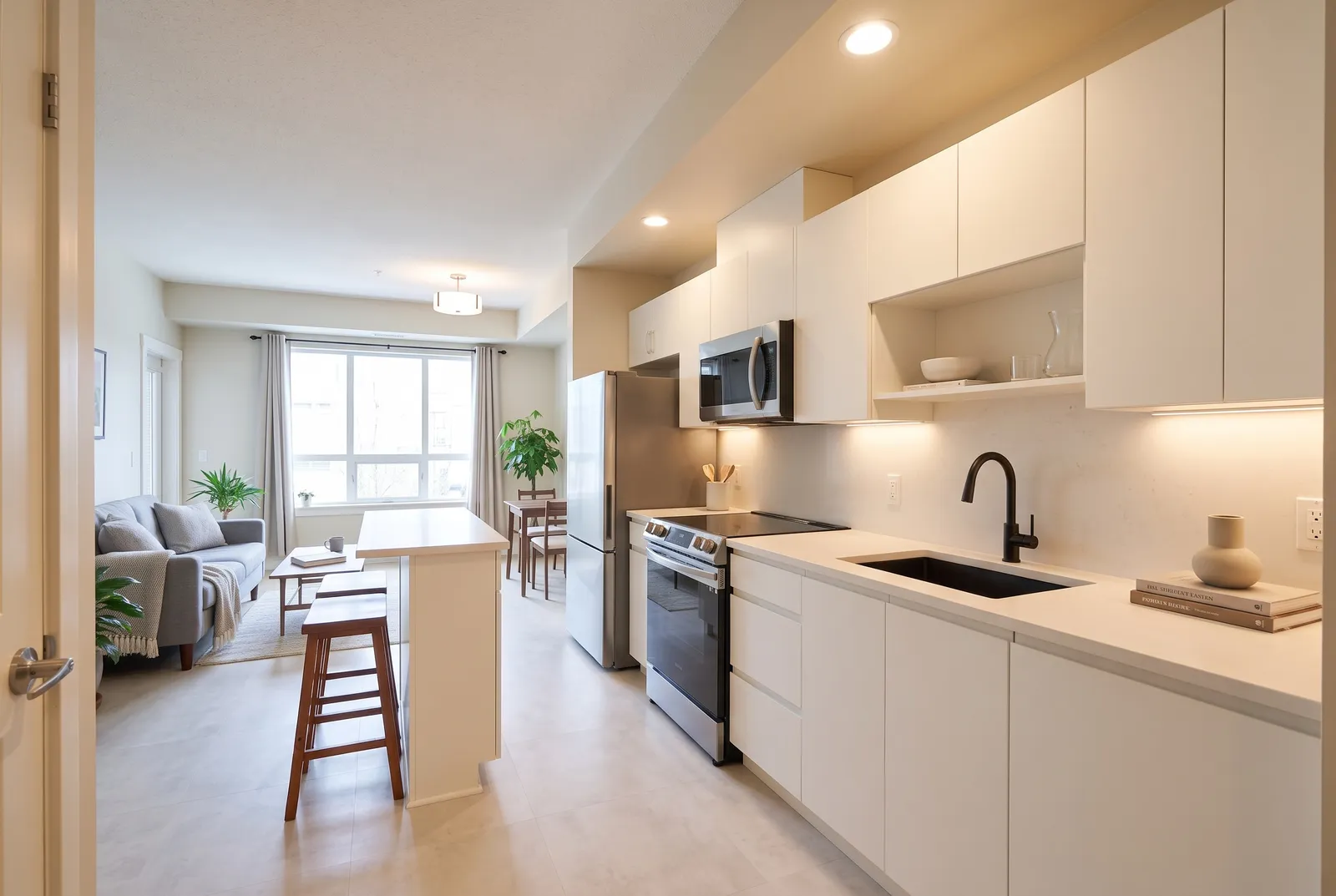
Minimalist
Handleless, nothing out
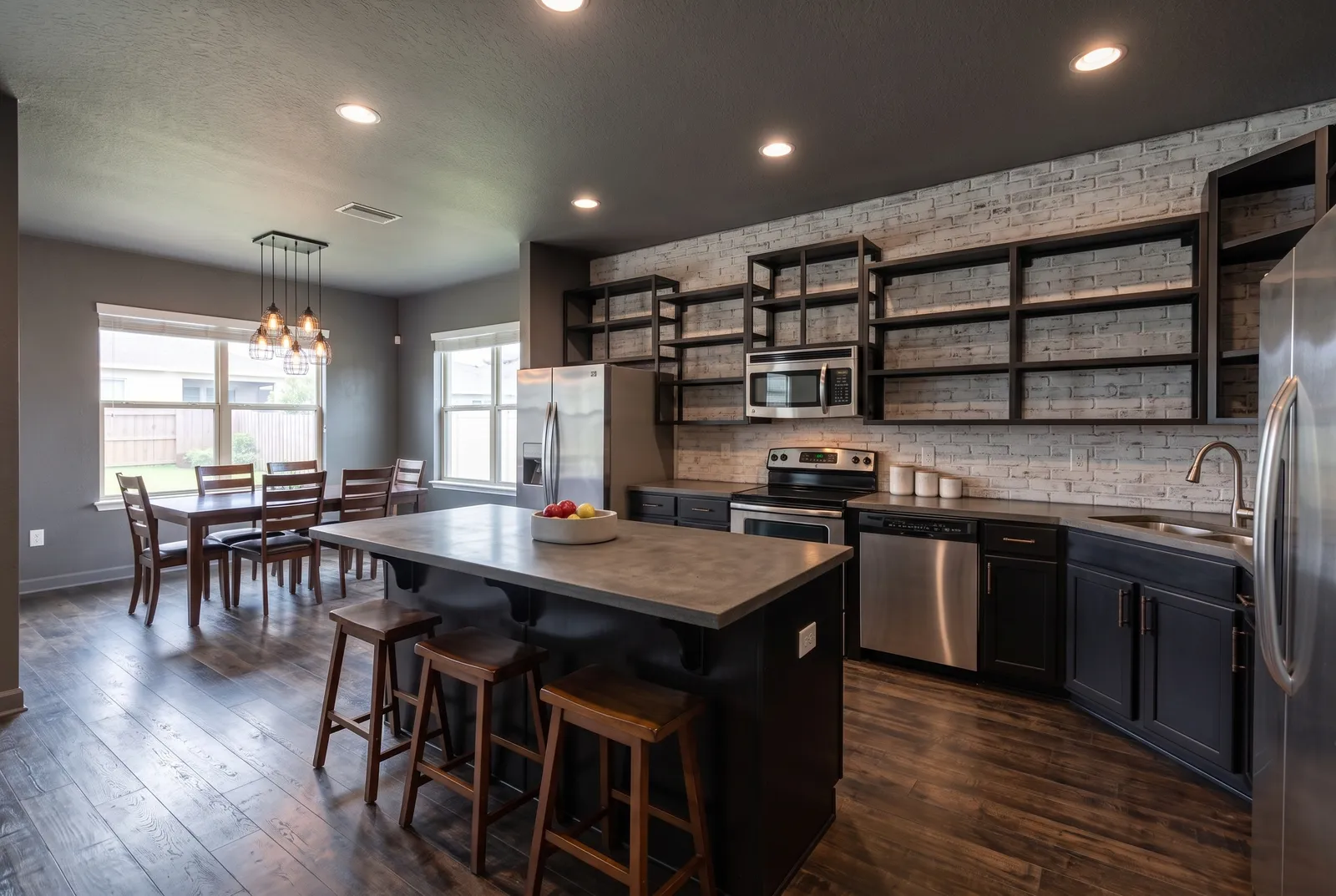
Industrial
Steel, concrete, brick
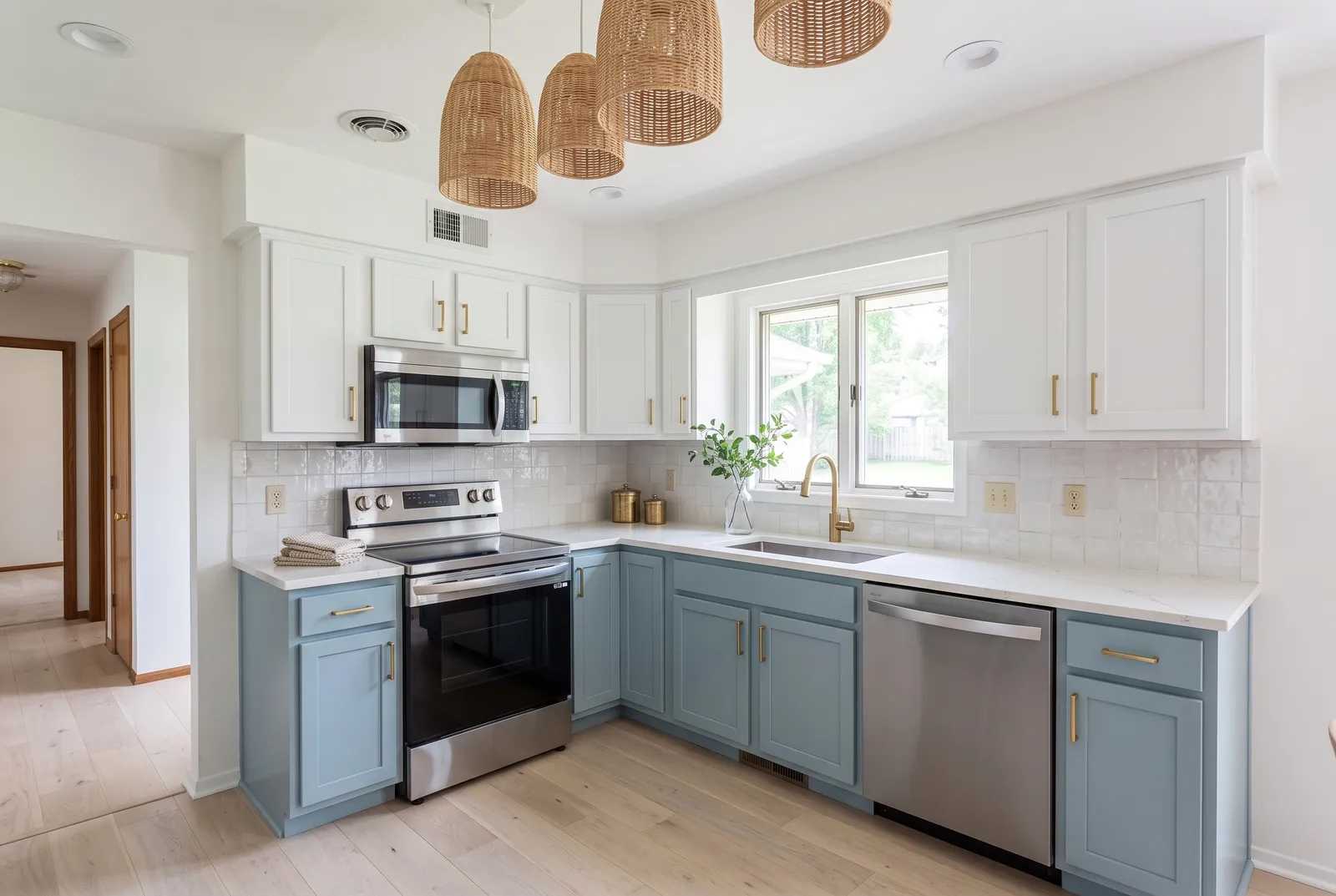
Coastal
Whites, sea-glass blue
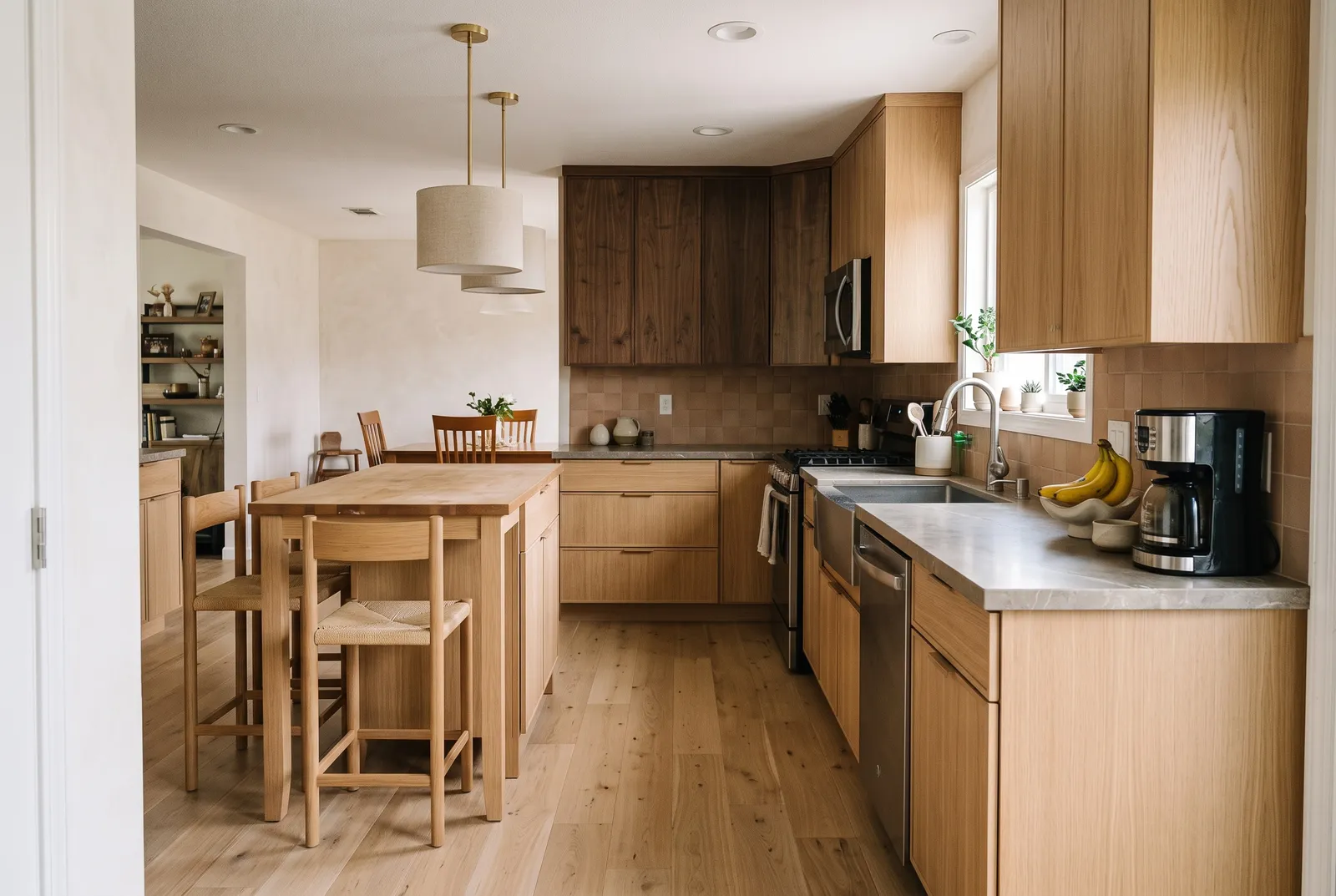
Japandi
Oak and walnut, calm
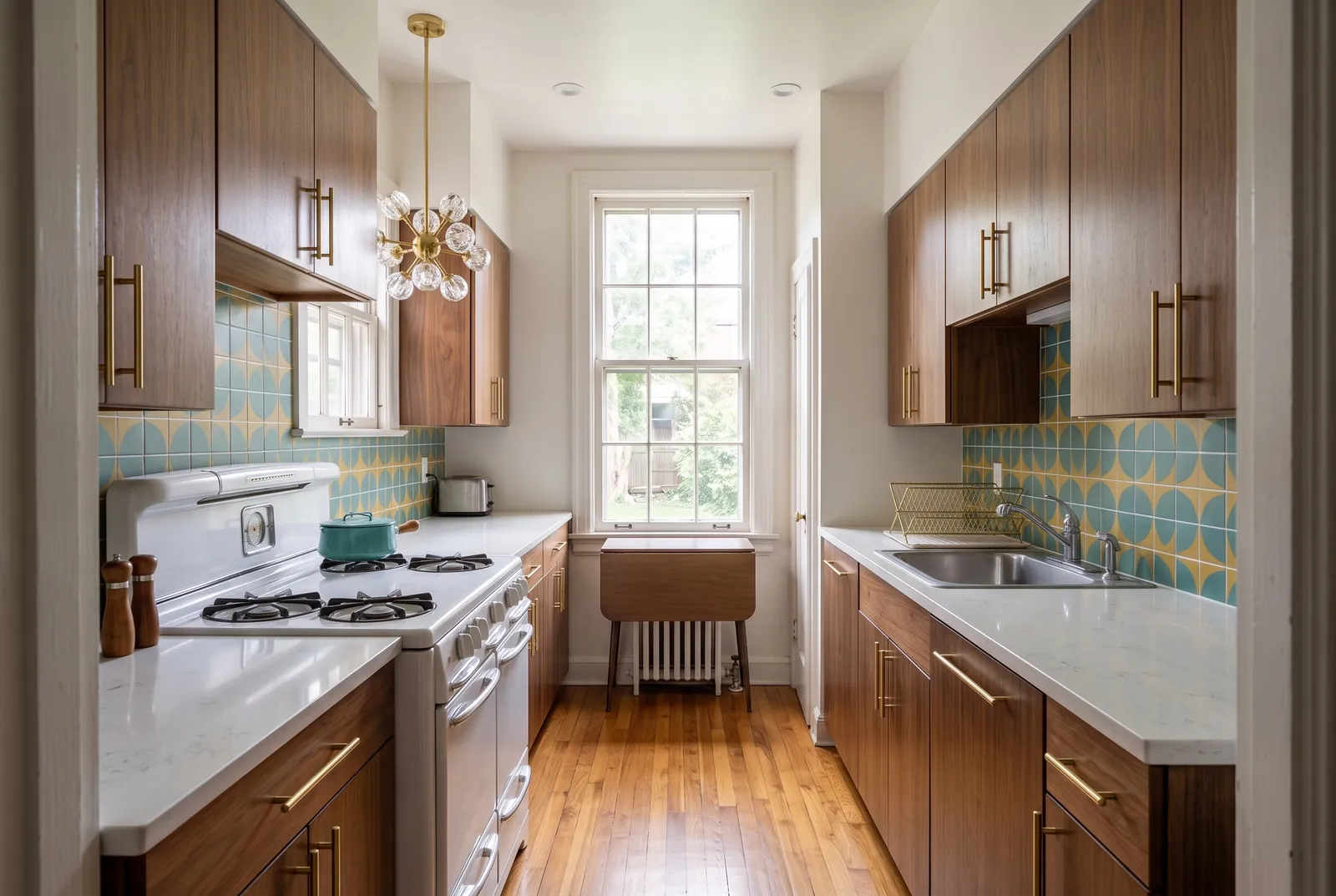
Mid-Century
Walnut, retro accents
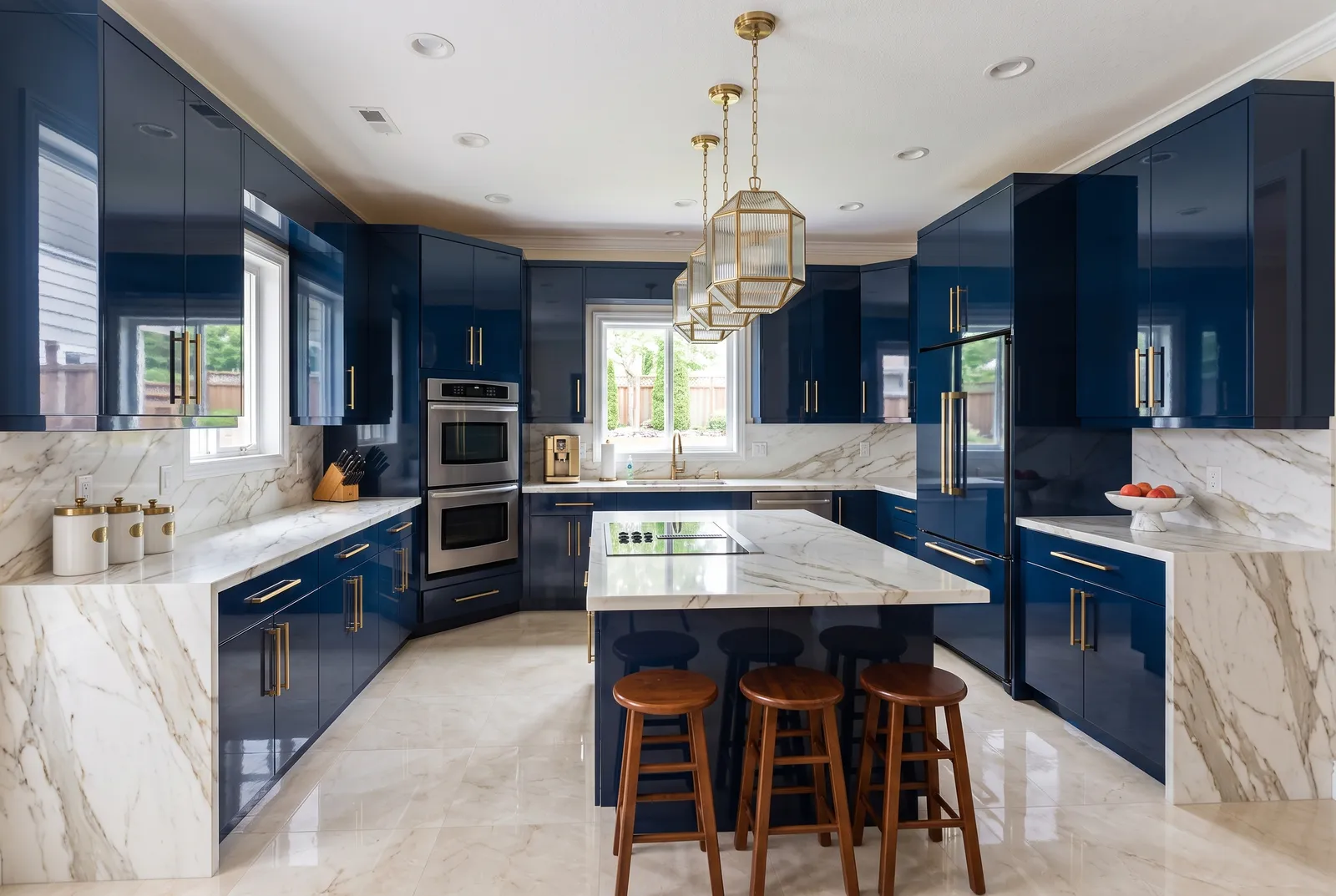
Luxury
Marble, brass, lacquer
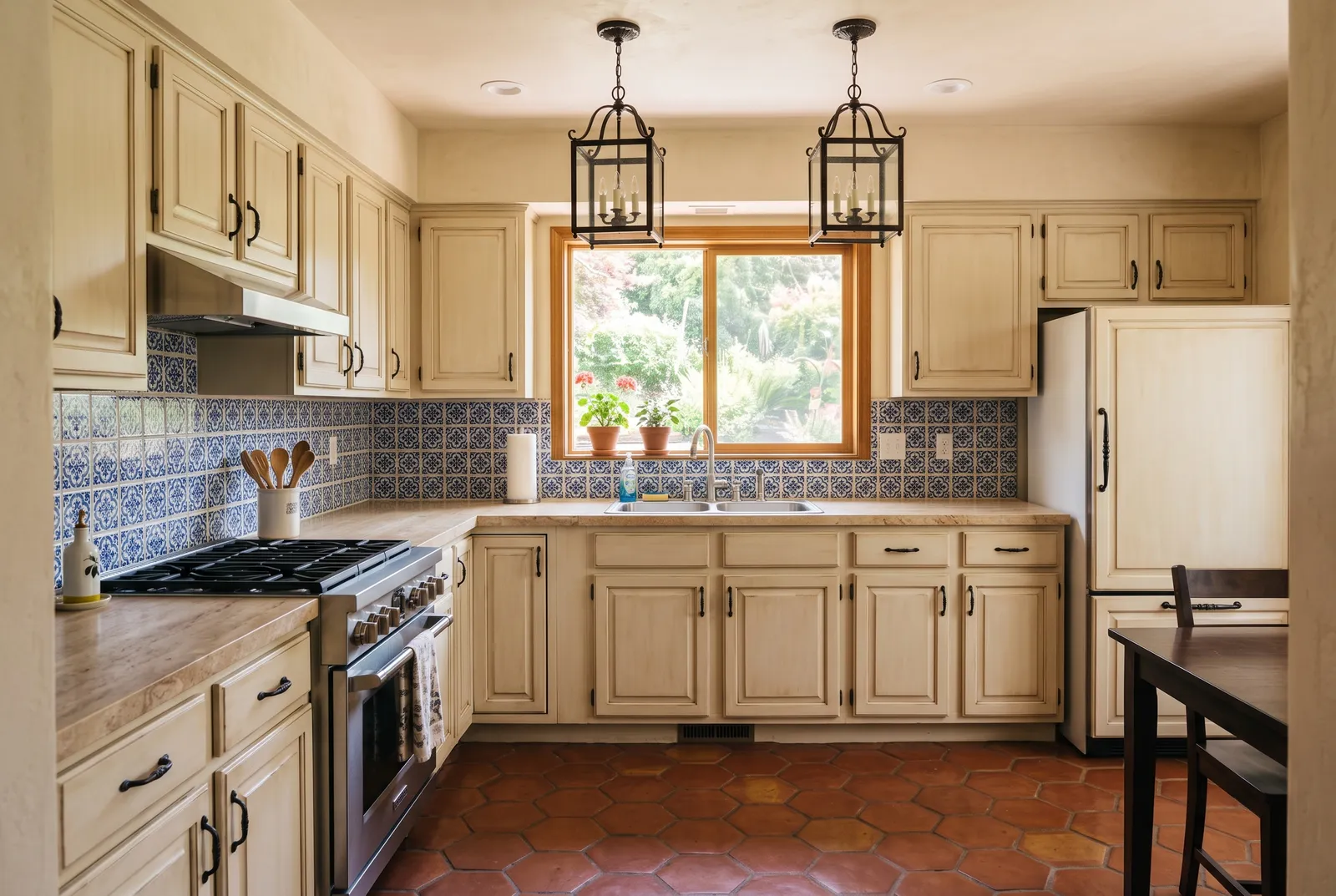
Mediterranean
Terracotta, patterned tile
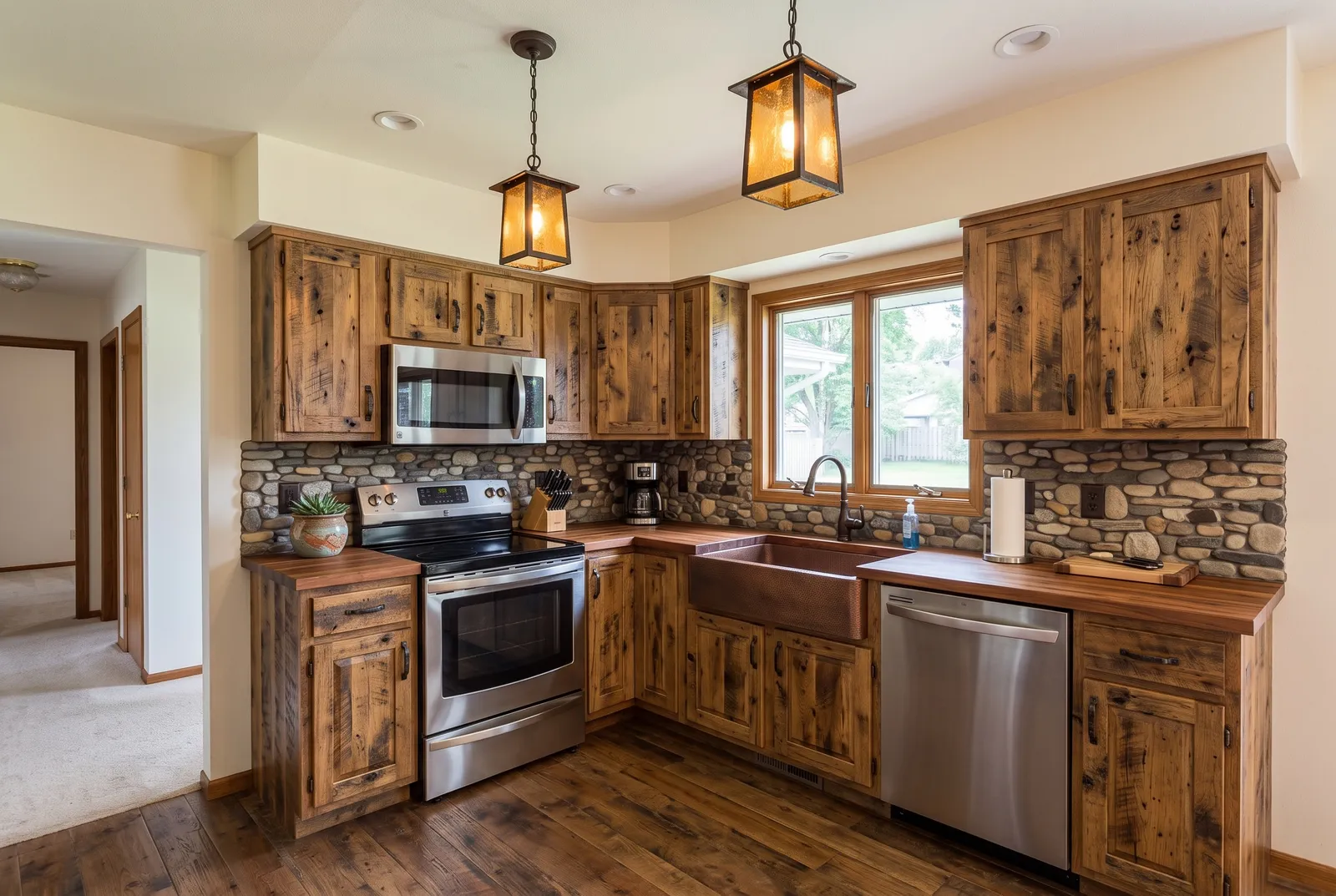
Rustic
Reclaimed wood, stone
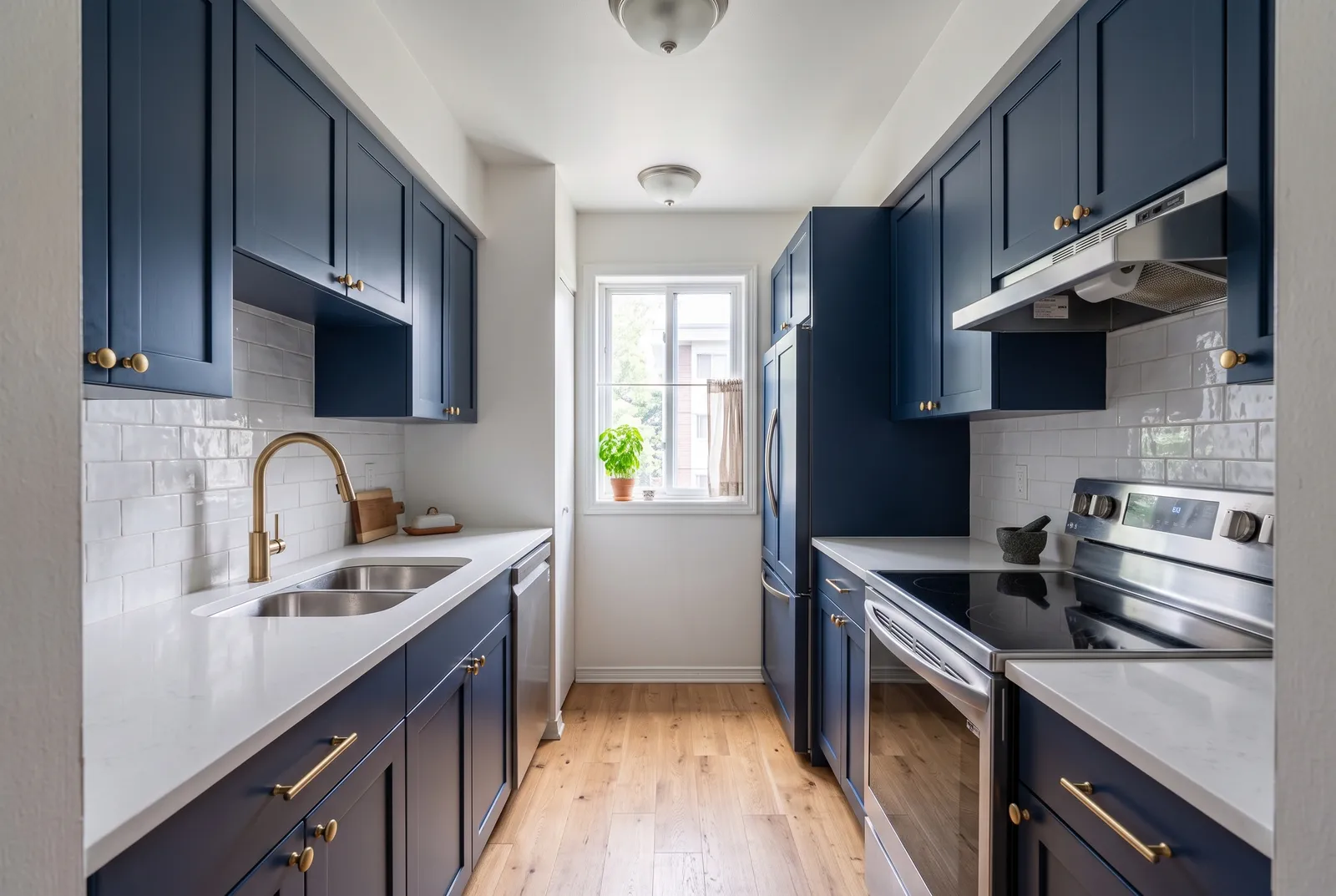
Shaker
Five-piece doors, navy
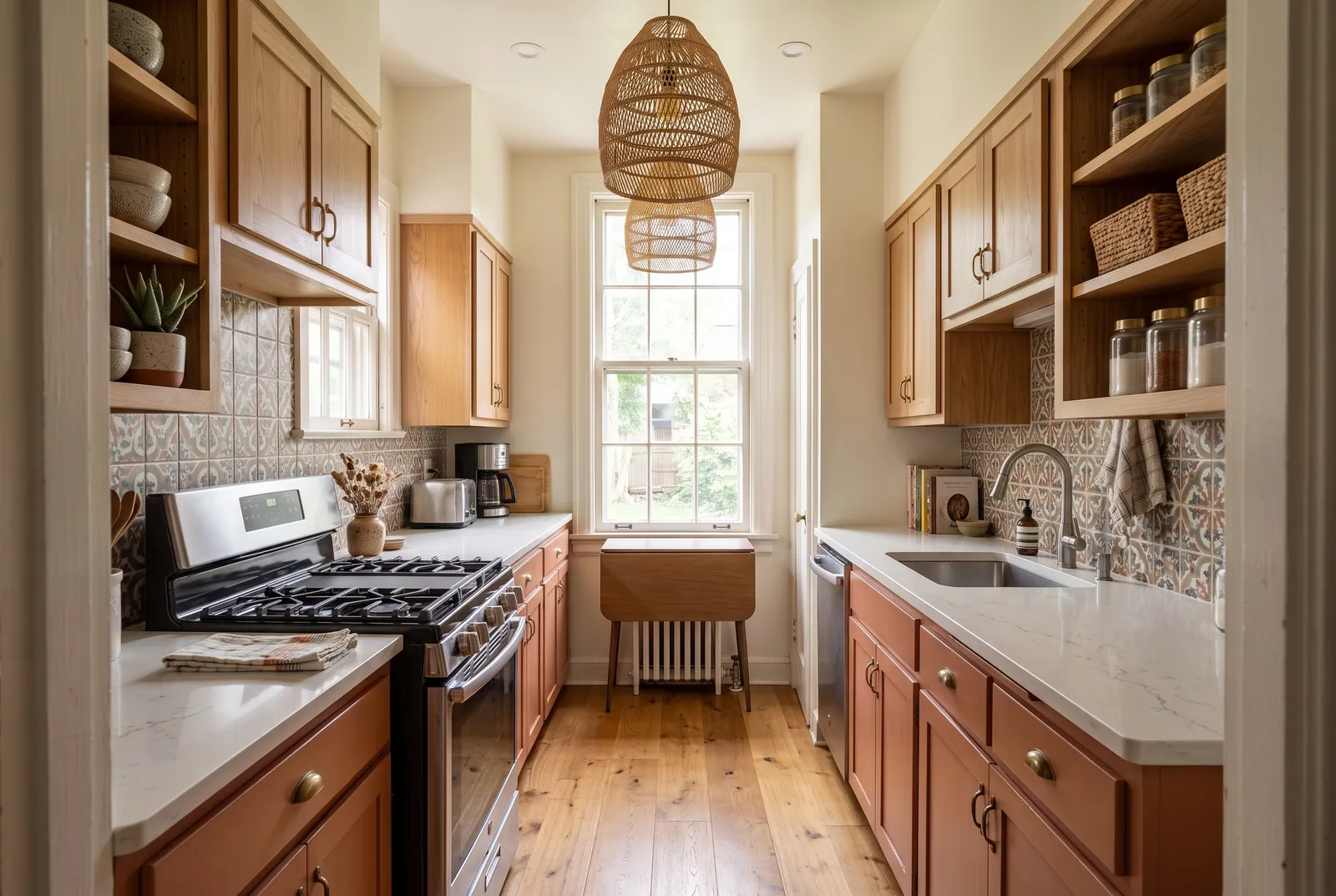
Boho
Earthy, patterned tile
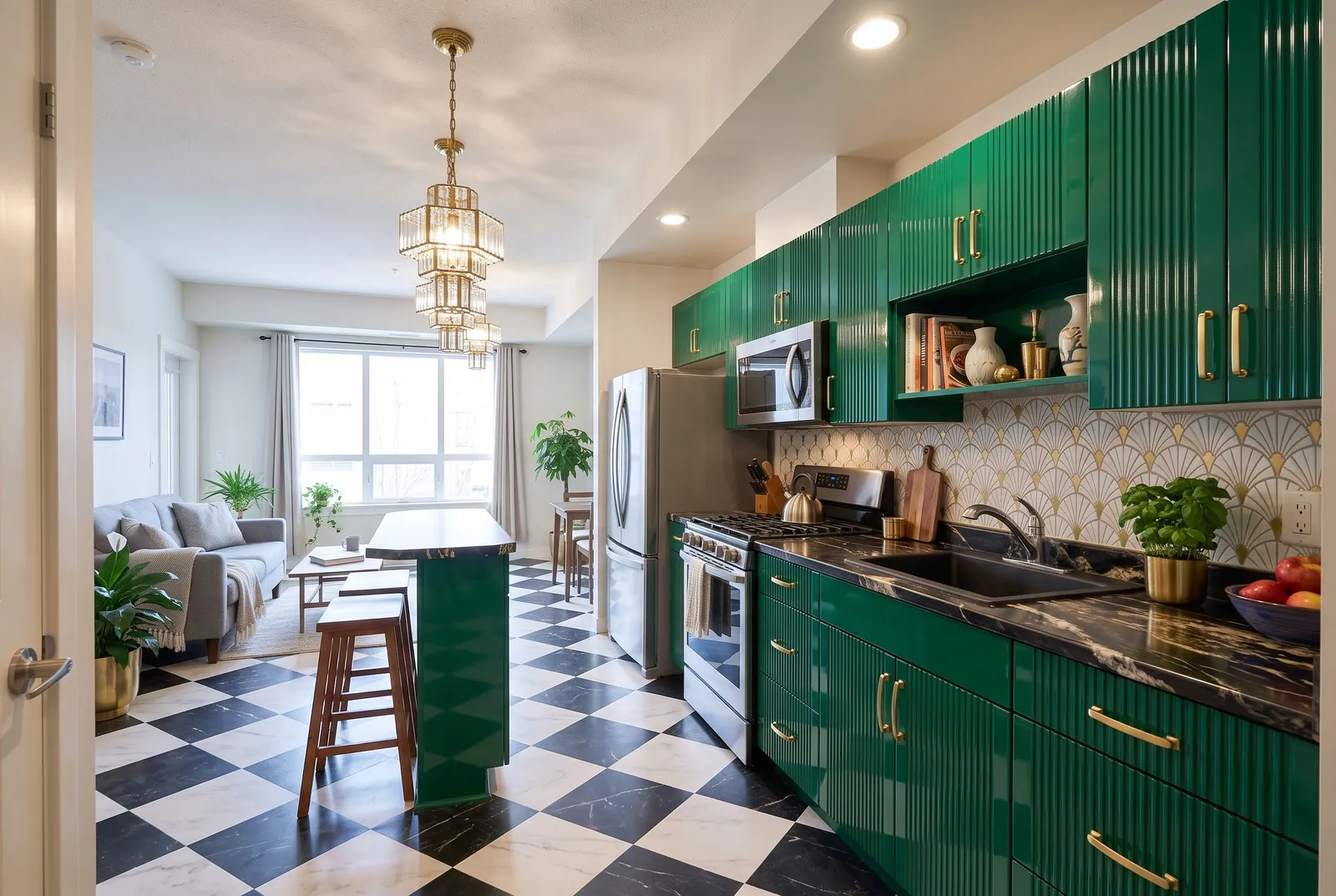
Art Deco
Glossy, fluted, brass
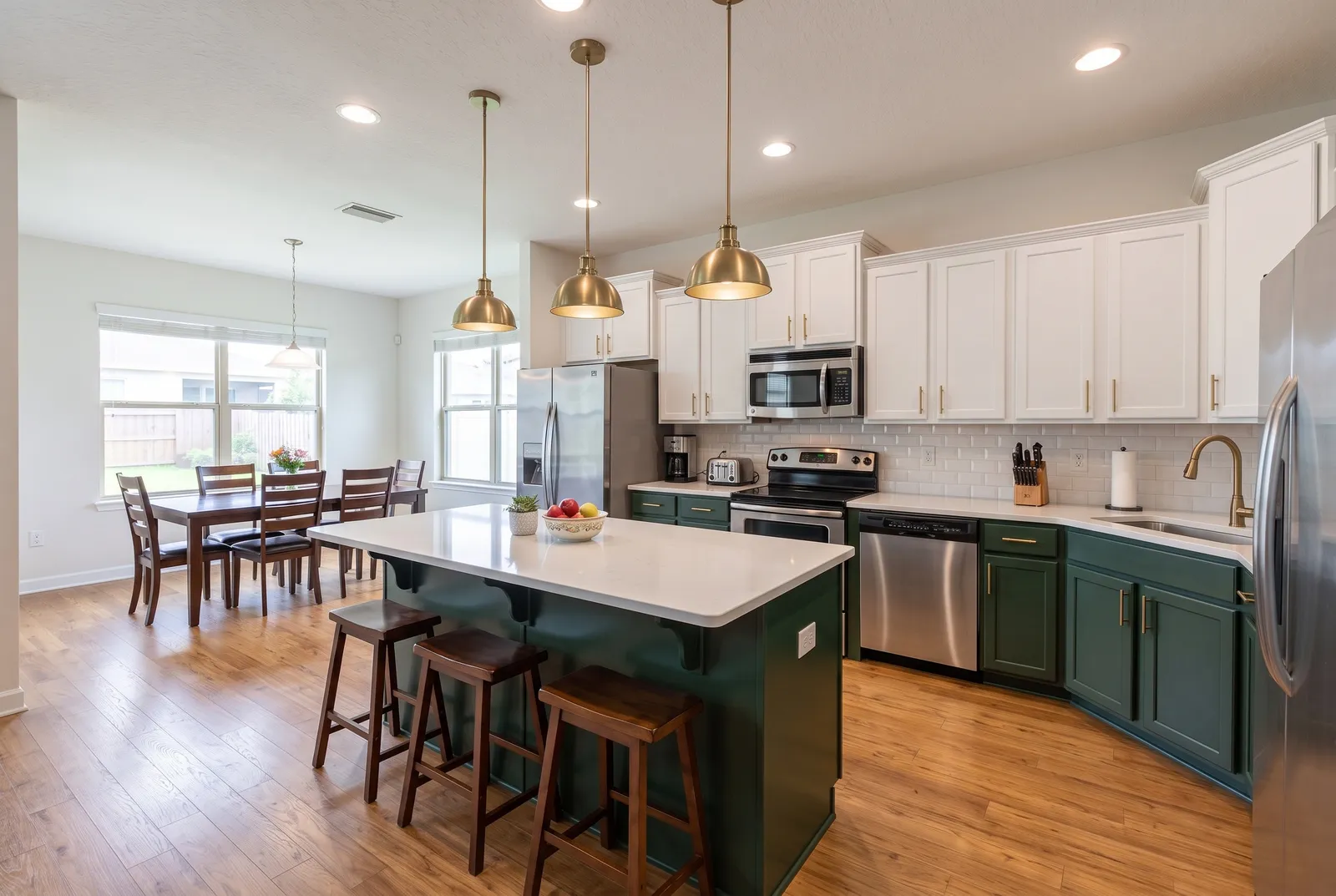
Two-Tone
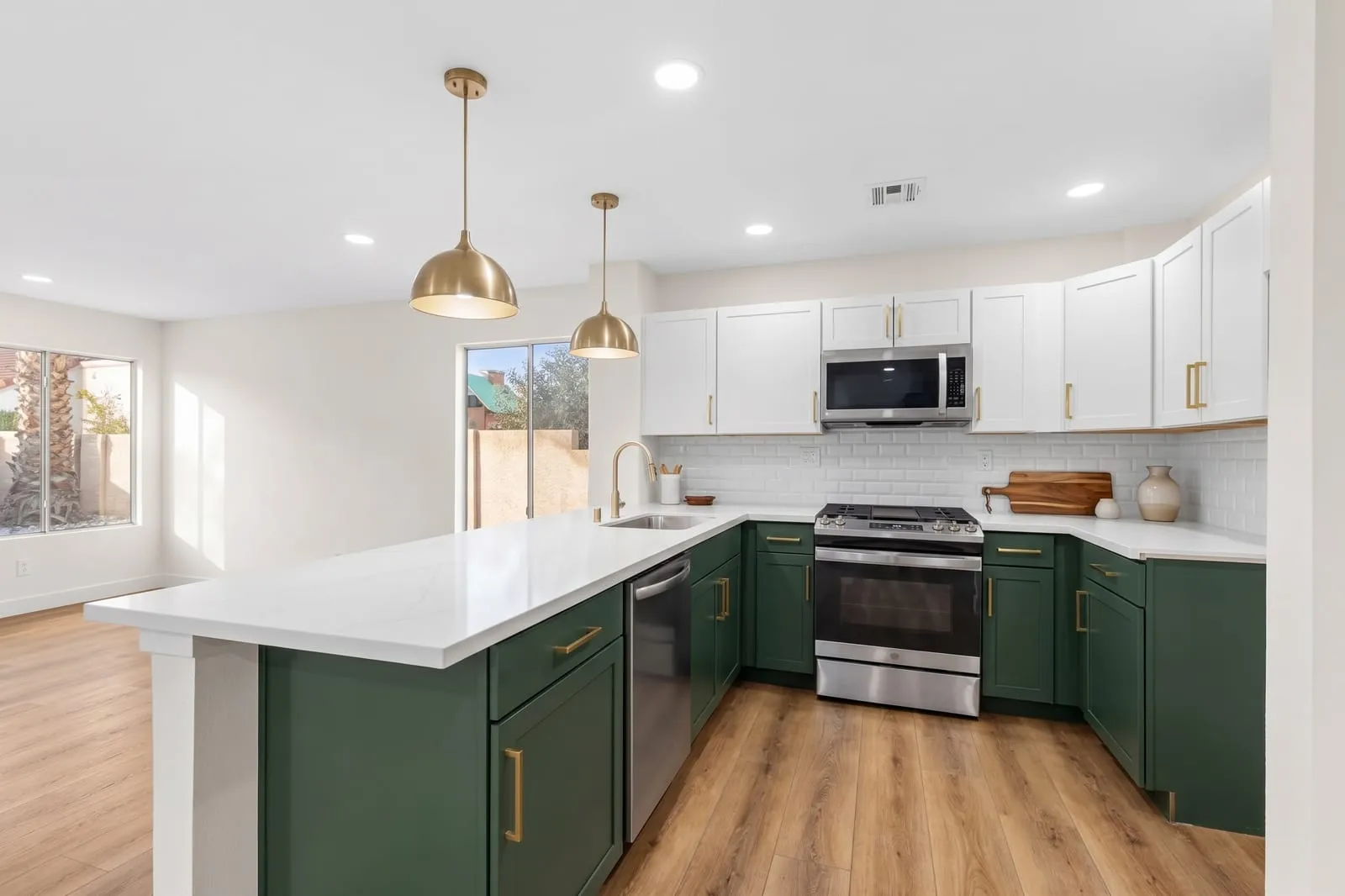
Dark lowers, light uppers
How it works
Your new kitchen in three steps.
- 01
Upload a photo
A clear, wide shot of your kitchen from a corner or doorway. JPG, PNG, WebP, or AVIF, straight from your phone.
- 02
Pick a style and how much to change
Choose from 18 styles, then Refresh, Remodel, or Redesign. Add colors, materials, or an inspiration photo.
- 03
Compare, refine, download
Slide between before and after, ask for tweaks like “make the island navy”, and download in 2K or 4K.
Not just kitchens
Use the same credits to redesign any room.
Plan with confidence
Use AI concepts to plan your next steps.
Agree on a direction
Show your partner, family, or roommates exactly what “warm modern” means before anyone picks up a hammer.
Brief your contractor
Bring concrete visuals to quotes and design meetings instead of a folder of other people’s kitchens.
Test risky choices
See a navy island or a bold backsplash in your actual room before committing thousands to it.
Budget by change level
Compare a paint-and-hardware refresh with a full remodel to decide where your money matters most.
AI concepts can change small details and aren't to scale. Always confirm measurements and construction with a professional.
Free planning tools
Plan the layout and the budget, free.
Kitchen remodel cost calculator
Estimate a refresh, remodel, or full redesign, line by line.
Free 2D & 3D kitchen planner
Plan to scale in 2D, walk around it in 3D, with live layout checks and a cost estimate.
Backsplash tile calculator
How many tiles and boxes you need, with waste and cutouts.
Countertop square footage calculator
Square footage, slab count, and cost by material.
Kitchen island size calculator
The largest island that fits with proper clearances, and how many seats.
Kitchen color palette generator
Cabinet, counter, hardware, wall, and floor combinations that work.
Pricing
Simple monthly plans. Cancel anytime.
Upload a photo of your kitchen, pick one of 18 styles (or describe your own), choose how much to change, and the AI generates a photorealistic redesign of the same room from the same camera angle in about 30 seconds.
Refresh keeps your cabinets and layout and only changes surfaces like paint, countertops, backsplash, and hardware. Remodel keeps the layout but swaps cabinets, appliances, and finishes. Redesign keeps only the walls, windows, and doors and reimagines everything inside.
Yes. The Interior Design tool works for living rooms, bedrooms, bathrooms, dining rooms, and home offices, using the same credits.
A clear, well-lit, wide-angle photo taken from a corner or doorway so most of the room is visible. JPG, PNG, WebP, and AVIF are supported. Phone photos work well.
Yes. Describe one change, like 'make the island navy' or 'swap the pendants for brass globes', and only that part is updated. Each refinement uses 1 credit.
They're design concepts for exploring ideas and sharing with your contractor or designer. AI images can alter small details and aren't reliable for measurements, so always confirm dimensions and construction with a professional.
Yes. Sign in with Google and you get 1 free credit, enough for one design. No credit card required.
Plans are monthly subscriptions starting at $19/month for 30 designs. Credits refresh at the start of each billing period. One credit is one 2K image; 4K (Pro and Studio) uses two. You can change plans or cancel anytime from the Billing page.
Want to see your kitchen differently?
Your first design is on us. Upload a photo and see it redesigned in about 30 seconds.
Try it free